How to Share an Ozil AI Video on TikTok the Right Way
 Ozilai Team
Export it vertical, earn the first second, caption it honestly, and know the rules: how to post an Ozil AI video on TikTok without getting it pulled.
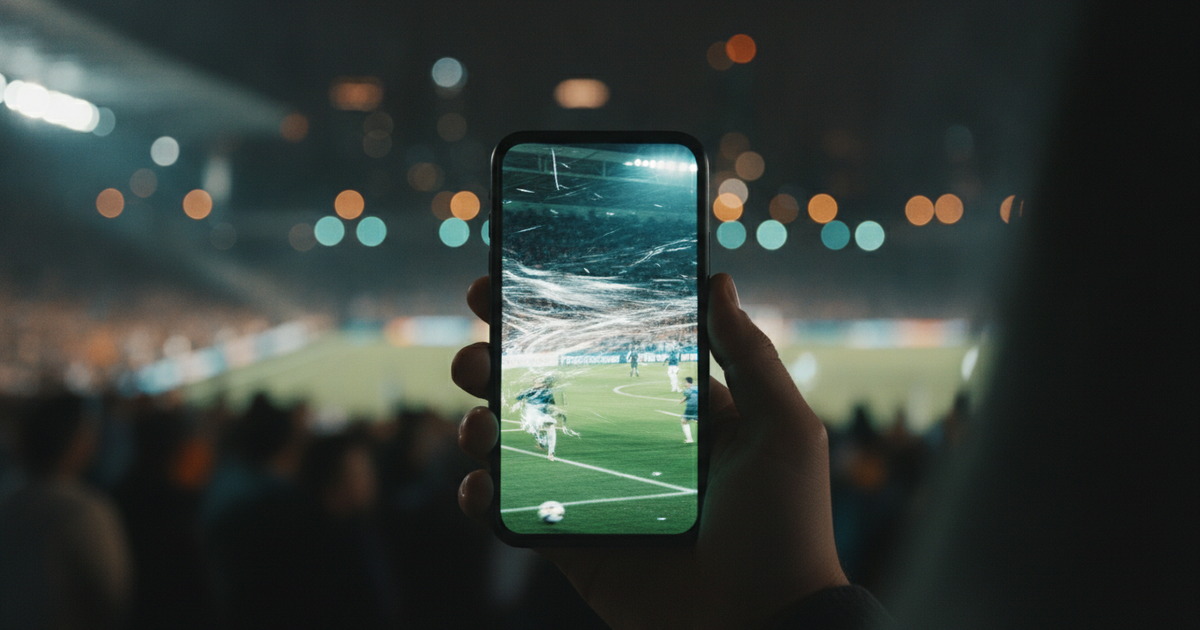
A finished Ozil AI video will not get seen by default. TikTok decides reach from the first moments of a view, so the export, the opening frame, and the disclosure all have to be right before you publish. The three things that most often sink a clip are a square export full of black bars, a slow first second, and a caption that promises something the video is not. This guide covers the export, the hook, the captions, the AI disclosure, the rule about real people, and exactly what to do if the post comes down.
Gere o seu aqui
Escolha uma foto clara e bem iluminada da pessoa a quem o gol pertence.
Carregue uma foto para continuar.
Ao gerar, você confirma que tem permissão para usar esta foto.
Seu clipe aparece aqui
Uma renderização com as configurações padrão custa 30 créditos.
Export 9:16 in the Studio, Not in the Crop Tool
The single most common self-inflicted downgrade is generating a wide clip and cropping it to vertical afterwards. Cropping does not create pixels; it removes them. A square or landscape render trimmed to a portrait frame is lower resolution than a native vertical one, and the framing you carefully composed is thrown away at the last step.
The fix is to decide the destination before you generate. Set the nine-by-sixteen aspect in the studio before you render, so the clip is composed for the phone from the first frame. A standard 720p, 12-second generation is 10 credits and the studio default at 1080p is 30, both laid out on the pricing page. Then leave room for the interface: TikTok stacks its caption text and buttons along the bottom and right edges, so keep the striker, the goalkeeper, and the ball in the middle band of the frame. If the chip happens under a wall of on-screen text, the funniest part of the clip is invisible to exactly the audience you wanted.
Why cropping afterwards costs you
Two kinds of loss, and they compound. Resolution drops because you are discarding the outer pixels and asking the player to stretch what remains. Composition drops because a crop cannot re-aim the camera — you can remove edges, but you cannot move the goalkeeper back into frame once he has been cropped out. Both are avoided by a single decision made before the render, which is why it is worth making first.
The First Second Decides Whether Anyone Watches the Rest
Short-form platforms judge a video by how long people watch, and the decision to keep watching is made almost immediately. The opening second is not a title card; it is your entire case for the viewer's attention.
For a trend clip that means front-loading the recognisable action. The viewer needs to see the ball in flight and the context of the goal quickly enough to understand the joke before their thumb moves. A clip that opens on a slow run-up and saves the chip for the fifth second has spent its budget before the payoff. Trim any dead air at the start so the move is already in motion when the video begins.
The same logic applies to the frame and the sound. A busy, readable first frame and an immediate noise both buy you a fraction more watch-through than a quiet, static opening. None of this is a trick; it is just respecting that the first second is a decision, not a formality.
Captions and Hashtags That Describe the Trend Without Misleading
The caption's job is to make the format legible. Someone scrolling needs to know in one line what they are looking at, so name the trend plainly and let the video do the joke.
Writing a caption that names the trend
Say what the clip is: a person scoring the Ozil goal, or the trend by name if it is widely known. If you are unsure what to call the format, the trend explainer names it, and the build guide covers the clip itself. Do not write a caption that claims something the clip does not show — a caption promising a real match, a real player, or a real event is the fastest way to earn reports. The honest version is also the more shareable one, because viewers who understand the format know what to expect.
Choosing hashtags
Hashtags are a description, not a wish list. Use a small set that genuinely fits: the trend name, the sport, and the format. Stuffing in unrelated tags whose real purpose is reach does not make the video relevant to those audiences, and it makes the caption look like spam. Two to four honest tags outperform a wall of borrowed ones.
Disclose That the Clip Is AI-Generated
The clip is AI-generated, and saying so costs you nothing. Disclose it — in the caption, in an on-screen label, or with the platform's own AI-content tool. Major platforms now ask creators to mark synthetic or manipulated media, and a clear label protects the post rather than hurting it; audiences who enjoy the trend already know how it is made, and the ones who do not would feel misled without it.
Treat disclosure as part of the format, not an apology. "Made with AI from one photo" is a true, useful sentence. It sets expectations, it forestalls the comments accusing you of faking a match, and it keeps you on the right side of the rules you are publishing under.
The Rule You Cannot Ignore: Real People, Real Consent
The trend works by putting a face where Mesut Özil's was, and that is exactly why the rules matter. Dropping a real person into footage of something they never did is not a neutral joke if the person has not agreed to it — it can misrepresent them, and platforms treat non-consensual likeness edits as a reportable problem.
The safe line is consent and ownership. Using your own photo, or one from someone who has agreed to appear, keeps you clear. Using a photo of a public figure, a colleague, or a stranger without permission is the case to avoid, however obvious the joke seems to you: the person whose face you borrowed is the one who decides whether the resemblance is funny. Set the clip in a context that clearly reads as a bit rather than a real event, and keep the caption honest so nobody thinks they are watching actual footage.
If the Platform Takes the Post Down
A takedown is not always the end, but it is always a signal to slow down. Work through it in order.
- Read the notice. Platforms tell you which rule was cited — often vaguely, but usually enough to tell whether it is a likeness complaint, a synthetic-media labelling issue, or a mistaken automated flag.
- Do not re-upload the identical file immediately. Reposting the exact video that was just removed tends to earn a faster, harsher response. Fix the likely cause first.
- Appeal if the removal looks wrong, using the platform's own appeal path, and say plainly that the clip was AI-generated and labelled.
- Adjust before retrying. Swap to a consented photo, strengthen the AI label, and soften any caption that could have read as a claim of real footage.
- Keep a clean copy. Save your original export and prompt so a rebuild is a re-post rather than a re-make.
If the removal traces back to a likeness complaint from a real person, the right move is not to argue — it is to use a different face.
Pre-Post Checklist
| Check | Why it matters | | ------------------------------------------------ | ------------------------------------------------- | | Exported 9:16 natively, not cropped | Preserves resolution and the framing you composed | | Subject and ball sit in the middle band | Keeps the action clear of captions and buttons | | The move is visible in the first second | Watch-through is decided almost immediately | | Caption names the trend and claims nothing false | Makes the format legible and avoids reports | | Hashtags are few and honest | Relevance beats volume | | AI generation is disclosed | Matches platform expectations for synthetic media | | The face belongs to you or a consenting person | Removes the biggest takedown risk | | Original export and prompt saved | Makes any rebuild trivial |
Publishing Sequence
- Finish the clip in the studio at the vertical aspect, not in a crop tool.
- Watch it once on a phone, in the app, to check that the action clears the interface overlays.
- Write the caption naming the trend, and pick two to four honest hashtags.
- Add the AI disclosure in the caption or with the platform's labelling tool.
- Confirm the face is yours or consented, and that the caption cannot be read as a claim of real footage.
- Publish, then read the first comments for confusion you should answer in a pinned reply.
- If it is removed, fix the likely cause before reposting — never re-upload the identical file.
FAQ
Do I have to say the video is AI?
Use the disclosure. It is the honest default, it matches what platforms expect for synthetic media, and it prevents the accusations that AI clips attract when they look real. A short label or the platform's own tool is enough.
Will a vertical export really look better than a crop?
Yes, and for two reasons: a native vertical render keeps its full resolution, and its composition is aimed at the phone frame rather than trimmed down to it. Cropping can only remove; it cannot re-aim.
What if I want to use a friend's photo?
Ask them, and keep it to someone who has agreed. The clip puts their face into something they did not do, so their consent is the thing that makes the joke fair.
Why was my post taken down even though it was labelled?
Labels help but they are not a licence. The most common causes are a likeness complaint from the person in the clip or a caption that reads as a claim of real footage. Fix the face or the wording, then retry.
Should I post the same clip to Reels and Shorts too?
The same vertical export drops into both without changes, so cross-posting is free. Just adapt the caption to each platform's conventions and keep the disclosure consistent everywhere.