What makes a football Reel different from a highlight
A Reel is watched with a thumb hovering over the screen. The action has to start immediately and the subject has to be recognizable at a glance. A highlight can afford a wide establishing shot; a Reel usually cannot.
The studio’s vertical templates are built for that difference. They open tight, keep the subject large, and put the finish early enough that the loop feels complete.
Choose a goal or a celebration
The goal template gives you the pass, the chip and the finish. The celebration template gives you the run to the corner flag, the crowd and the slow motion. Both are complete prompts; you can edit the details.
- Goal: the chip and finish, with the goalkeeper and the sliding defenders.
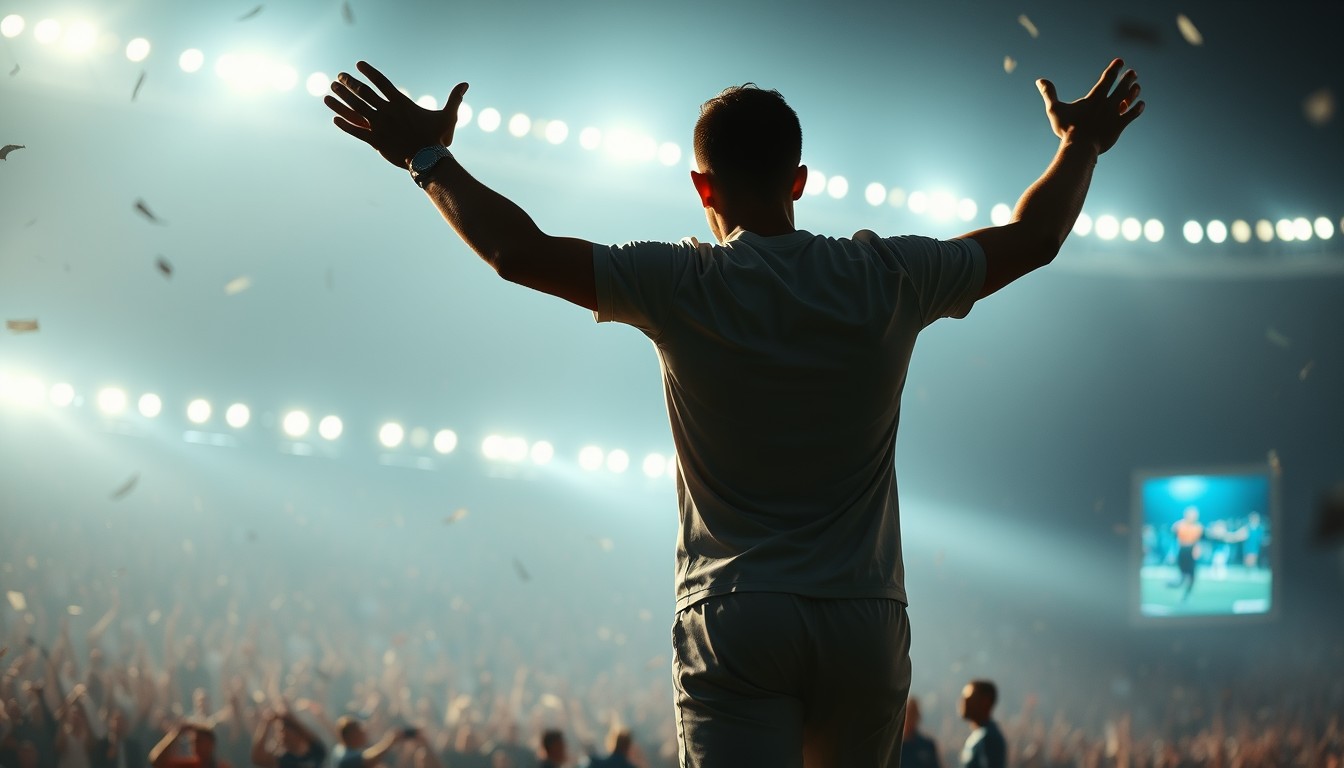
- Celebration: arms out, corner flag, teammates arriving, crowd flashing.
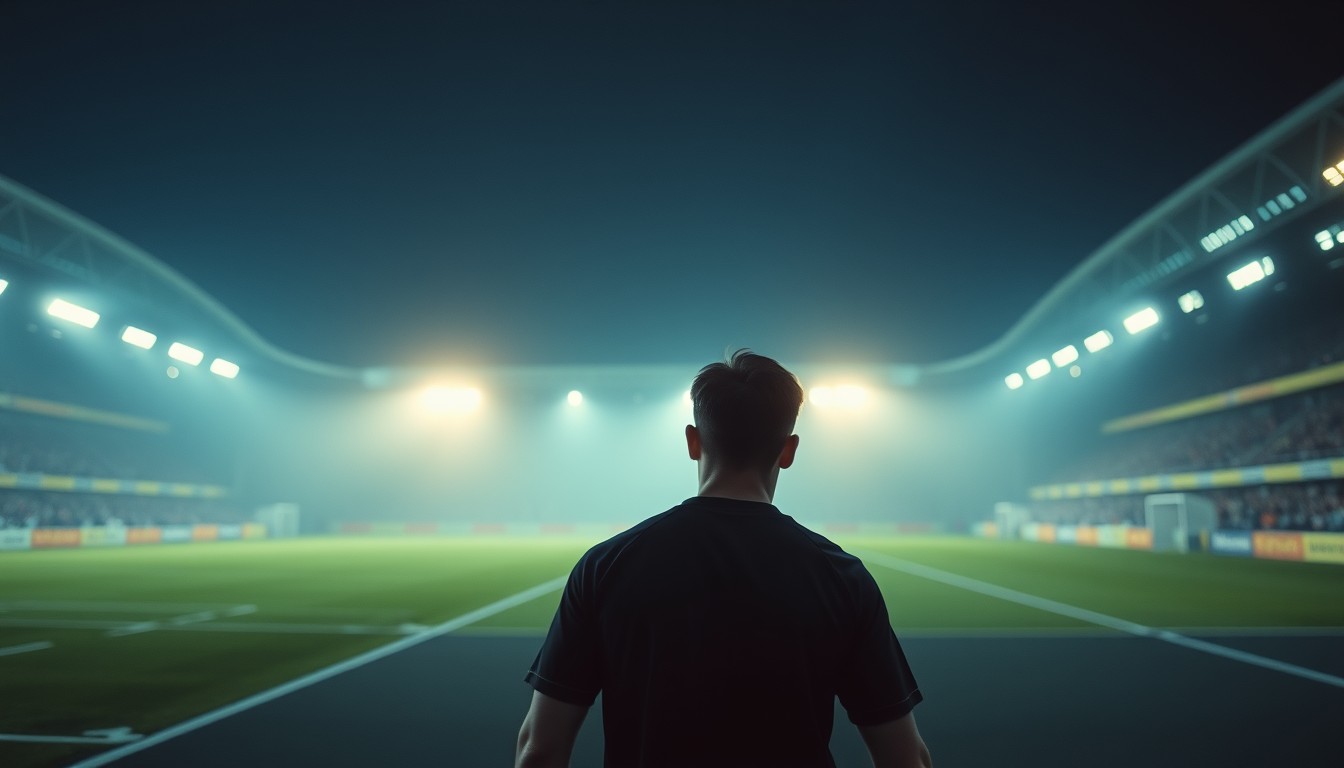
- Stadium: tunnel walk, floodlight haze, a moodier opening.
- Custom: write your own action and keep the identity clause.
The cover frame and the first frame
Instagram lets you choose a cover after upload, but the first frame still matters for autoplay. Render the clip with the subject already in frame, then pick the most expressive moment as the cover. Do not ask the model to add a title card; generated text is unreliable.
If you want a caption on the video itself, add it in Instagram or in a separate editor. The MP4 you download is clean and has no baked-in branding.
Cost and posting checklist
A standard 720p · 12-second Reel costs 10 credits; 480p costs 5; 1080p costs 30. A failed render is refunded automatically. One-time credits never expire, so you can render a week of Reels in one batch.
Before posting, check three things: the AI label is on, the photo is yours to use, and the caption does not claim the event really happened. The clip is a creative edit, not evidence.
Prompt recipe
A vertical Instagram Reel: the player controls the ball on the edge of the box, shifts it onto the stronger foot and curls it into the far corner, then celebrates toward the crowd. 9:16, tight framing, warm floodlights, cinematic slow motion.This is the exact English prompt the model receives. Edit it in the studio above; the credit cost depends on resolution and length, not on the prompt.
Questions, answered
Can I make a Reel from a single photo?
Yes. The photo provides the face and the opening frame; the prompt provides the action, the camera and the stadium.
Is the output the right size for Instagram?
Yes. 9:16 is the default and matches Reels. The MP4 downloads clean, so you can upload it directly.
Can I add music?
Add music in Instagram or in an editor after download. The model does not generate audio, and the studio does not sync motion to a track.
Do I need to label it as AI?
Follow Instagram’s current AI-disclosure rules. The safest habit is to label it, especially when the clip depicts a real person.
What if the Reel looks unnatural?
Reduce the number of actions in the prompt and use a tighter source photo. One clear beat usually reads better than three half-finished ones.