The Ozilai toolkit
AI football video tools
Every page is a working tool, not a landing page with a button. Pick the intent that matches what you have — a photo, a portrait, a prompt — and the studio opens with the right starting point.
- Tools
- 11
- Categories
- 2
- Entry price
- $9.90
Photo and video tools

Image to Video AI
Turn one image into a short AI video with Seedance 2.0. Upload a photo, describe the motion, and get an MP4 in about a minute. Free preview available.
Open tool
Photo to Video AI
Photo to video AI for social clips: upload a still, pick a football template, and render a 4–12 second MP4. 10 credits per standard video, no watermark.
Open tool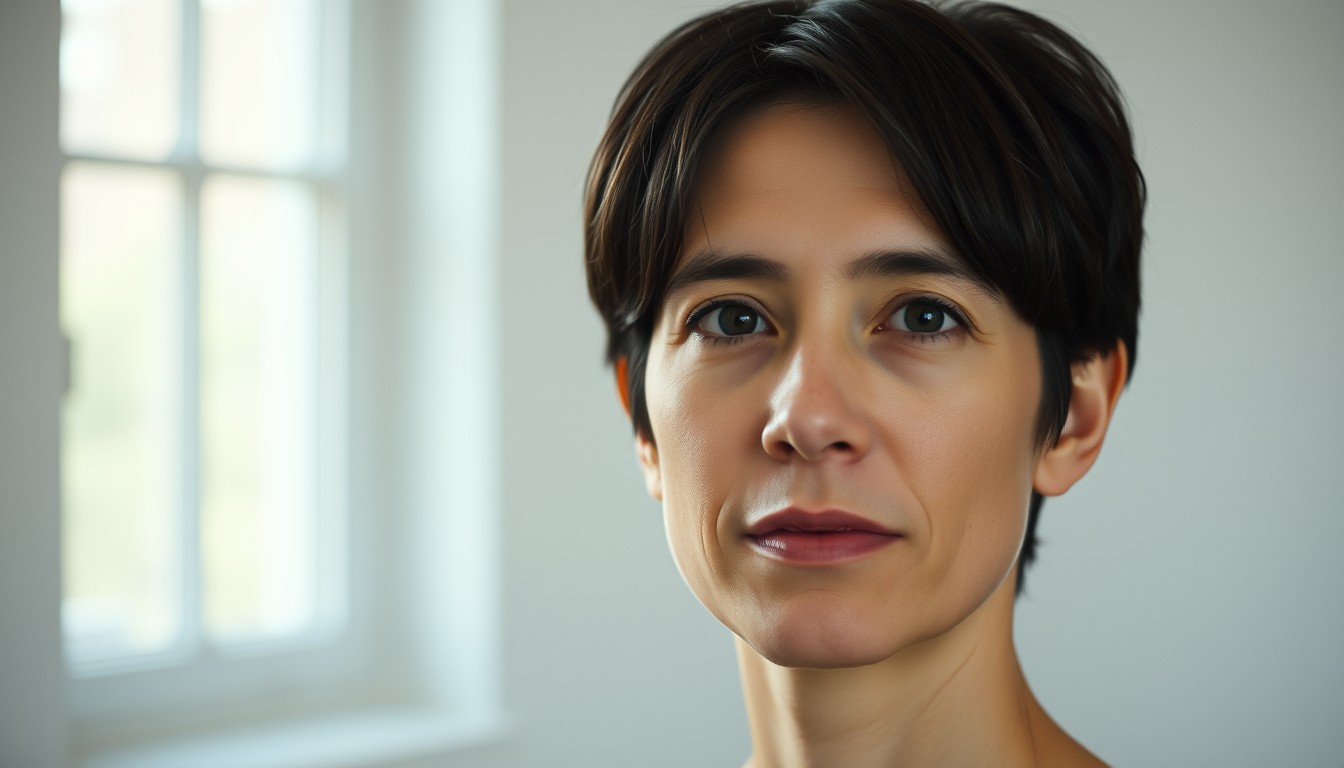
Animate Photo
Animate a photo with subtle, natural motion: a head turn, a blink, drifting hair and soft light. Upload one portrait and render a short AI clip.
Open tool
Football Edits
Make football edits without a timeline. Choose a goal, celebration or stadium template, upload one photo, and render a vertical clip for TikTok or Reels.
Open tool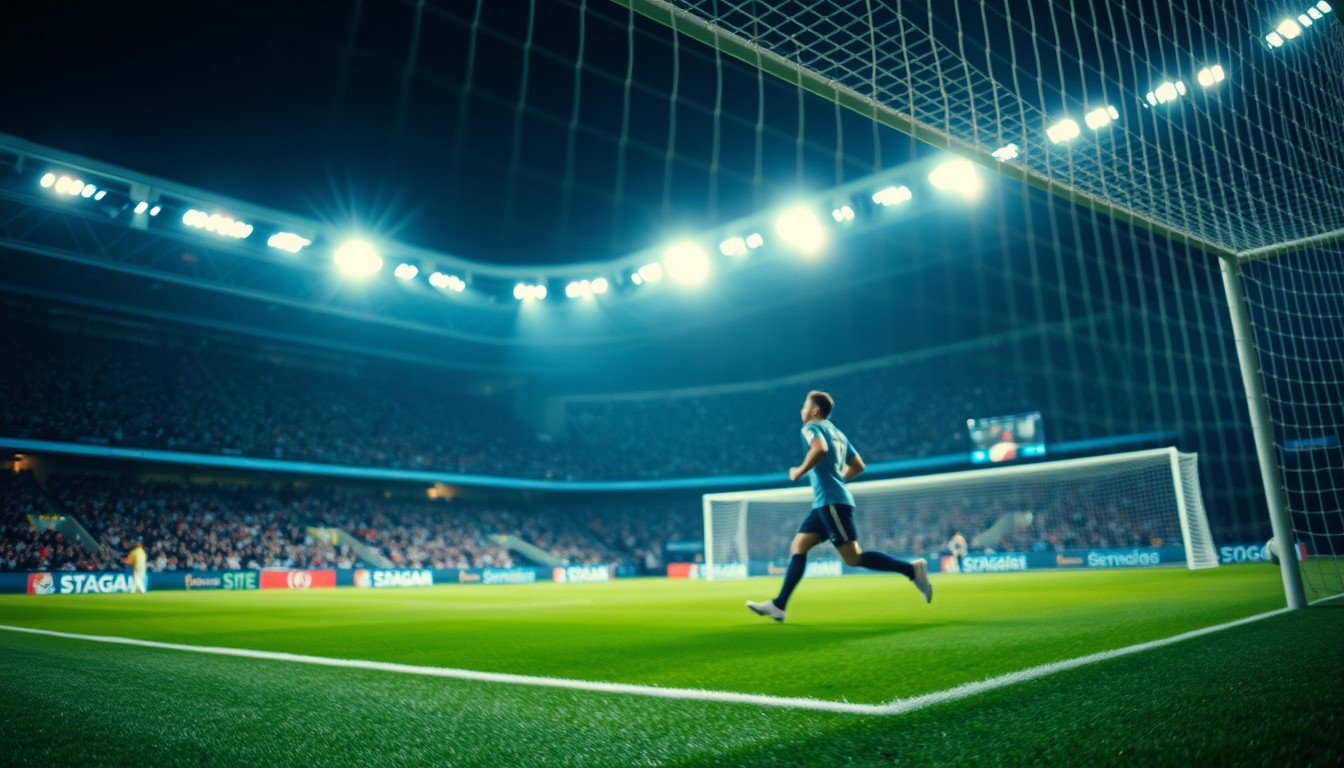
Football Highlights Generator
Create a football highlight from a single photo. Seedance 2.0 renders the run, the chip and the finish in a broadcast-style clip you can download as MP4.
Open tool
Football Shorts
Make football shorts from one photo: 9:16 framing, a goal sequence, and an MP4 ready for YouTube Shorts. 10 credits per standard render, no watermark.
Open tool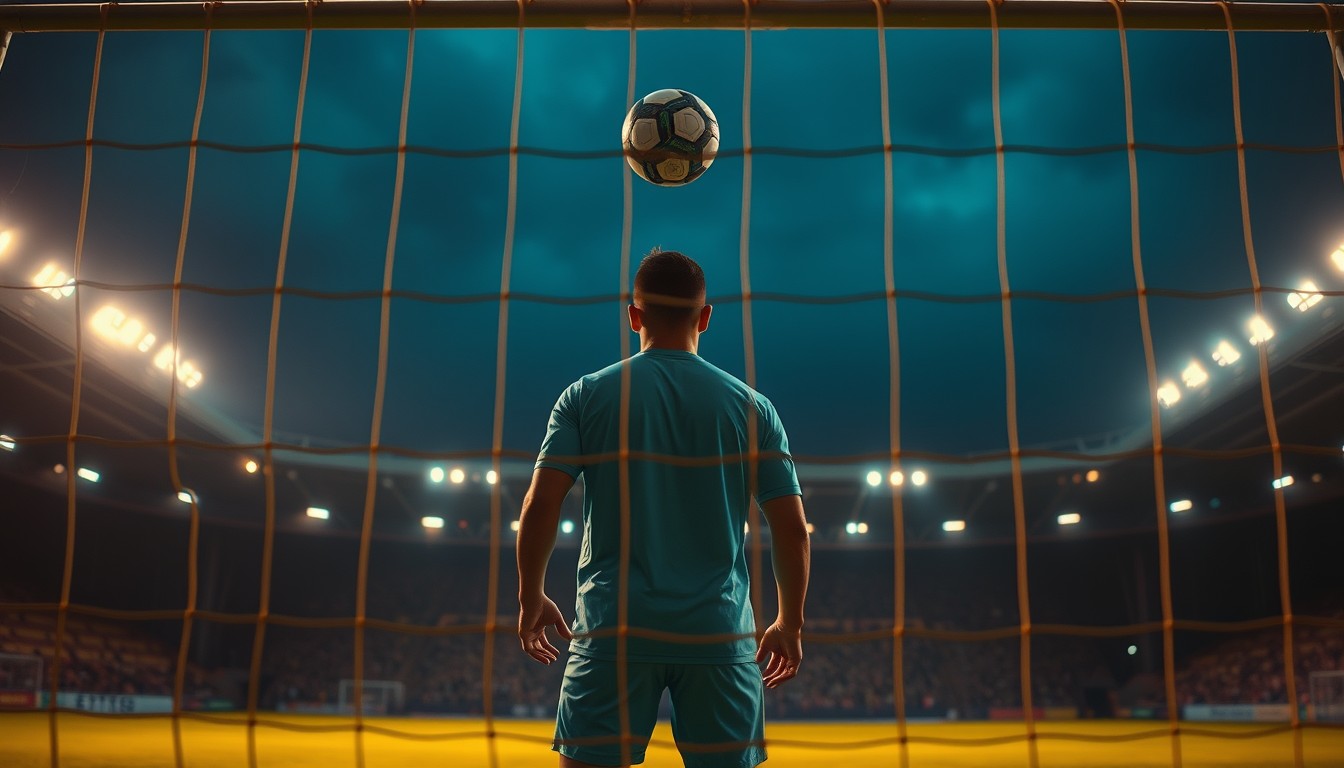
Football Reels
Create football Reels with a photo and a prompt. Pick a celebration or goal template, render a vertical clip, and post it to Instagram with a clear AI label.
Open tool
AI Football Video Generator
A football-first AI video generator: upload one photo, keep the face, and render a goal, celebration or stadium clip. Transparent credits and MP4 export.
Open tool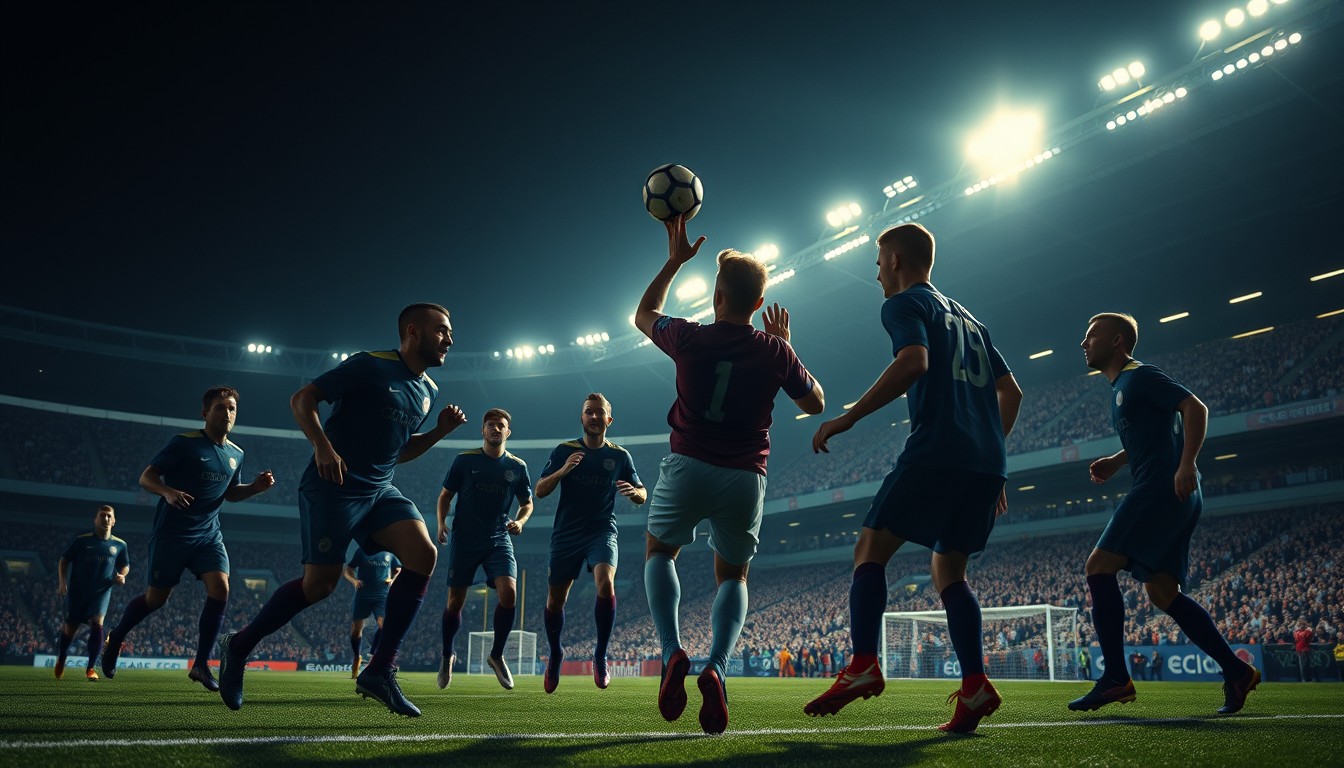
Ozil AI Video
Make the Ozil AI video from one photo: the long ball, the chip over the keeper, the two sliding defenders and the empty-net finish, rendered by Seedance 2.0.
Open tool
Text to Video AI
Text to video AI with a football-first model: describe the shot, choose a spec, and render a 4–12 second MP4. No photo required; preview before you pay.
Open toolPrompt tools

How it works
- 1
Start with what you have
A photo, a portrait, or just an idea. The tool page pre-fills the prompt and the framing for that intent.
- 2
Edit one thing
Change the kit, the camera or the finish. Keep the identity clause; it is what keeps the face recognizable.
- 3
Render and download
Preview at 480p, then render the version you want. The MP4 downloads clean, with no watermark.
Questions, answered
Is this the actual Özil goal?
No. This is an independent AI video tool. It recreates the *shape* of a famous football moment — a chip over the keeper and a finish past two defenders — using your photo and your prompt. It is not affiliated with, endorsed by, or licensed by Mesut Özil, Arsenal, UEFA or any club.
What kind of photo works best?
One person, clearly visible, face not in shadow, no heavy motion blur, framed loosely enough to leave room for movement. A head-and-shoulders shot from a well-lit room beats a distant group photo. JPG, PNG or WebP up to 10 MB.
How long does a render take?
Usually one to three minutes for a 12-second clip at 720p, longer at 1080p or when the model is busy. The studio shows the real task state; it never fakes progress, and you can close the tab — the clip finishes and appears in your account.
Do my credits expire?
Subscriptions grant credits each billing period: monthly credits last the month, yearly credits last the year. One-time packs never expire. Credits from an earlier grant are always spent before newer, longer-lived ones.