When text-to-video beats photo-to-video
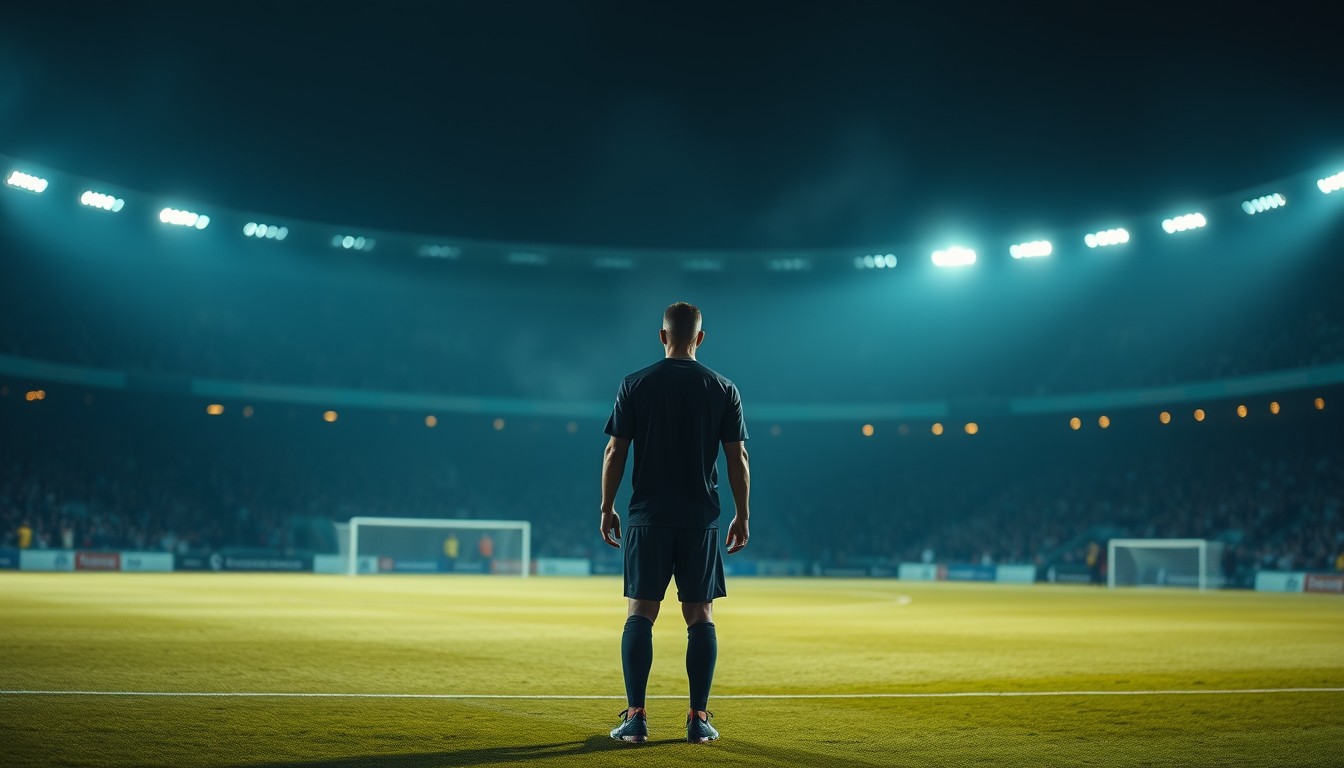
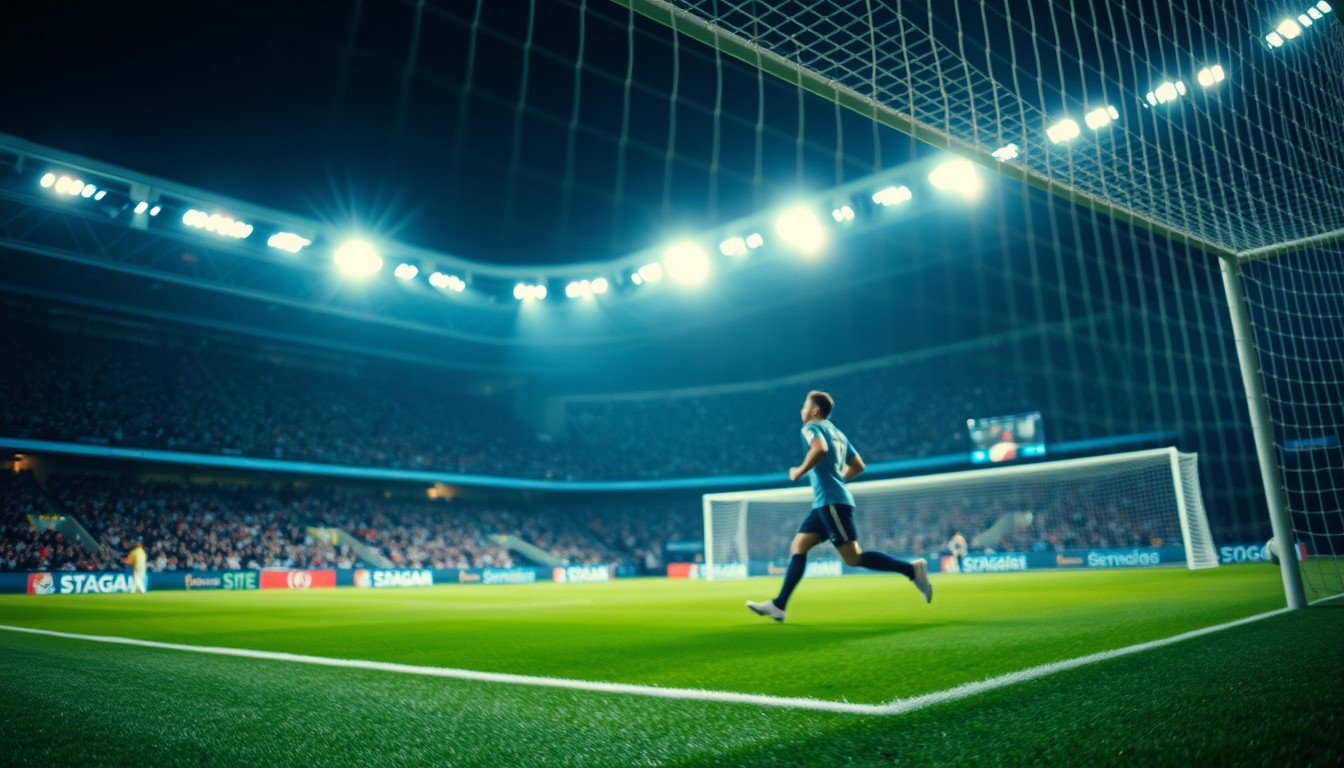
Text-to-video is for scenes that do not exist yet: a stadium at dusk, a training ground, a tunnel walk, a crowd reacting. There is no face to preserve, so the model can spend all of its attention on the place and the camera.
If the shot needs a specific person, use photo-to-video instead. A text-only prompt cannot reliably reproduce a real face, and a generated face is not the person you meant.
Write the shot as a shot
The prompt works best when it names the place, the subject, the action and the camera. A mood adjective is optional; a camera instruction is not. “Cinematic” tells the model almost nothing; “camera tracks behind the player at shoulder height” tells it where to stand.
- Place: a floodlit stadium, a tunnel, a rain-soaked training pitch.
- Subject: one player, a crowd, an empty goal, a ball on the spot.
- Action: walks out, strikes the ball, turns toward the camera.
- Camera: tracks behind, static wide, slow push-in, low angle.
- Light: floodlights, dusk, amber haze, cold blue tunnel.
Keep the scene small enough to render
A twelve-second clip is not a short film. One location, one subject and one camera move is the reliable shape. If you need a cut, render two clips and join them in an editor; the model is not a timeline.
Crowds are the usual failure point. A hundred faces in the background can turn into mush. Describe the crowd as atmosphere — flashing lights, haze, a wall of sound — rather than as individuals.
Cost and iteration
A 480p · 12-second render is 5 credits, 720p is 10, and 1080p is 30. Shorter clips cost less. A failed render is refunded automatically, so a rejected prompt does not cost you the render.
Iterate at 480p. Once the composition works, rerender the winning prompt at 720p or 1080p. That is cheaper than discovering a framing problem at the highest resolution.
Prompt recipe
A packed football stadium at night, floodlight haze, a lone player walks out of the tunnel onto the pitch, camera tracks behind them at shoulder height, drums and crowd noise, cinematic colour grade, no text.This is the exact English prompt the model receives. Edit it in the studio above; the credit cost depends on resolution and length, not on the prompt.
Questions, answered
Do I need a photo for text to video?
No. Switch the studio to text mode and describe the scene. A photo is only needed when you want a specific person’s face in the clip.
Can I generate a real person from text?
No. The model generates an original face. To keep a real person’s likeness, upload their photo and use the photo mode; use only photos you have the right to use.
How long can the clip be?
Choose 4, 8 or 12 seconds. The model renders one continuous shot; it does not cut between scenes.
Can I add audio?
The studio renders silent MP4s. Add music or commentary in an editor after download.
What if the crowd looks wrong?
Describe the crowd as atmosphere rather than individuals, and keep the camera tighter on the subject. A hundred generated faces is a hard shot for any model.