What image to video AI actually does
The model treats your upload as the first frame of the shot, not as a reference it can redraw. The prompt describes what happens next: who moves, where the ball goes, what the camera does. A separate identity clause tells the model to keep the same face, hair, skin tone and clothing in every frame.
That is why the result can look like a broadcast highlight while still being your photo. It is also why the source photo matters more than the length of the prompt: the model has one chance to learn the face, and it learns it from the pixels you give it.
The photo that survives the model
A good source photo removes guesses. The model should not have to decide which person is the subject, what the face looks like under a shadow, or whether the blur is intentional.
- One person only — group photos force the model to choose, and it often chooses badly.
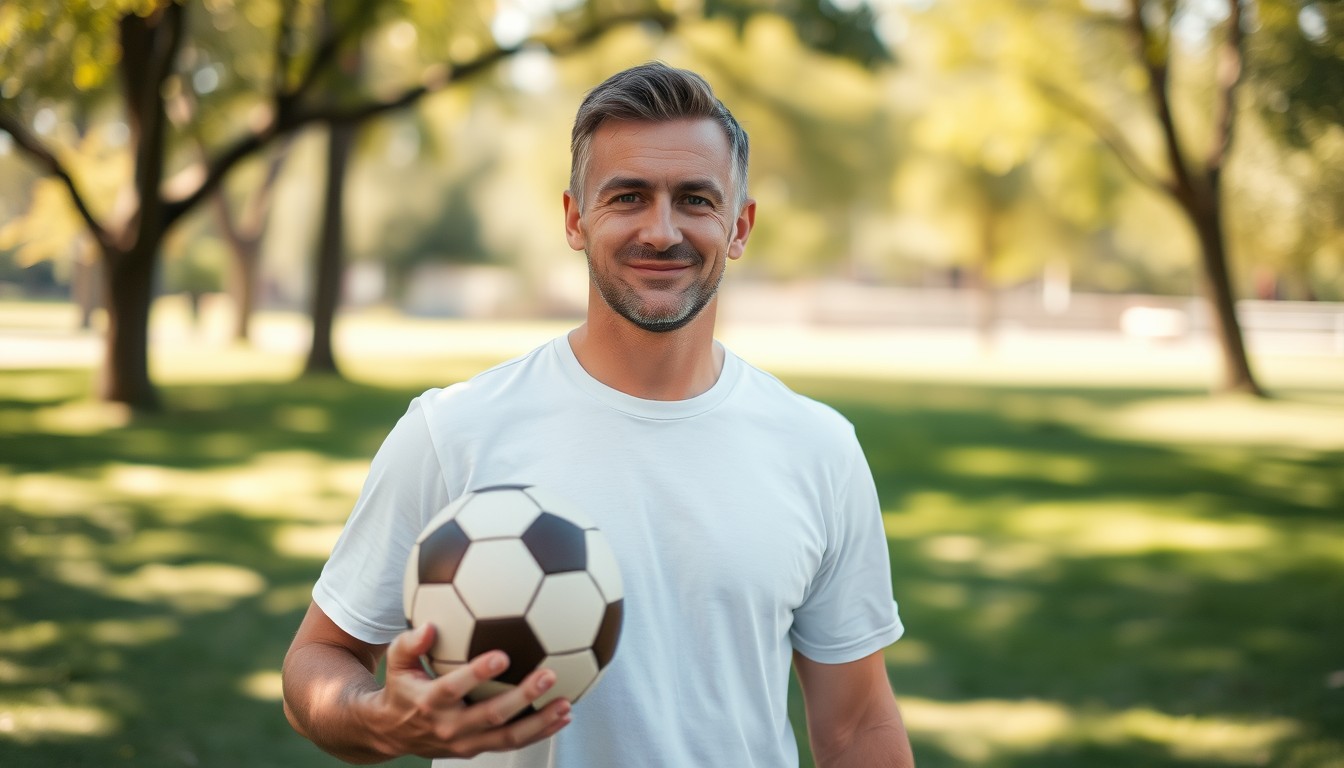
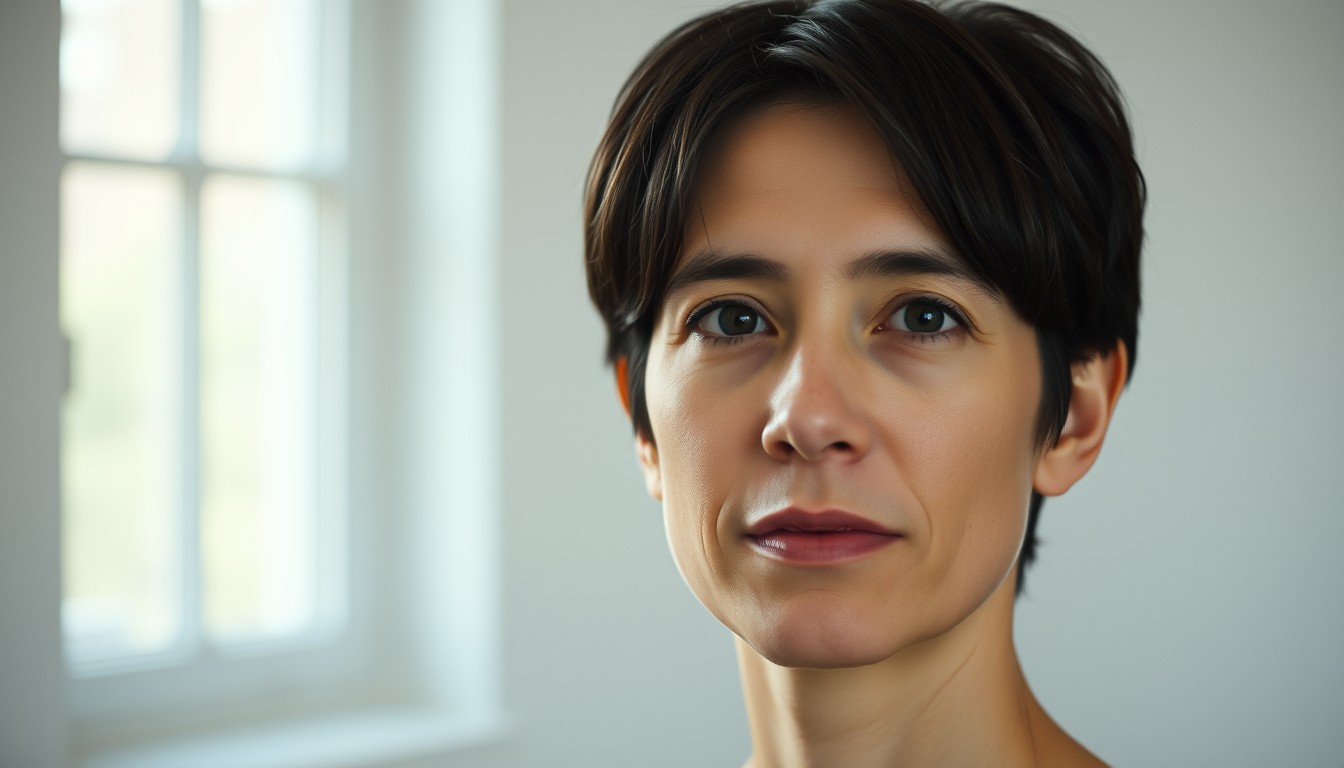
- Head and shoulders, or a bust crop, with the face filling a meaningful part of the frame.
- Even, front-facing light. Heavy side shadow and strong backlight flatten identity.
- Sharp focus and no sunglasses, hood or hand covering the jaw.
- A relaxed expression animates into action better than an exaggerated grimace.
Write motion, not a story
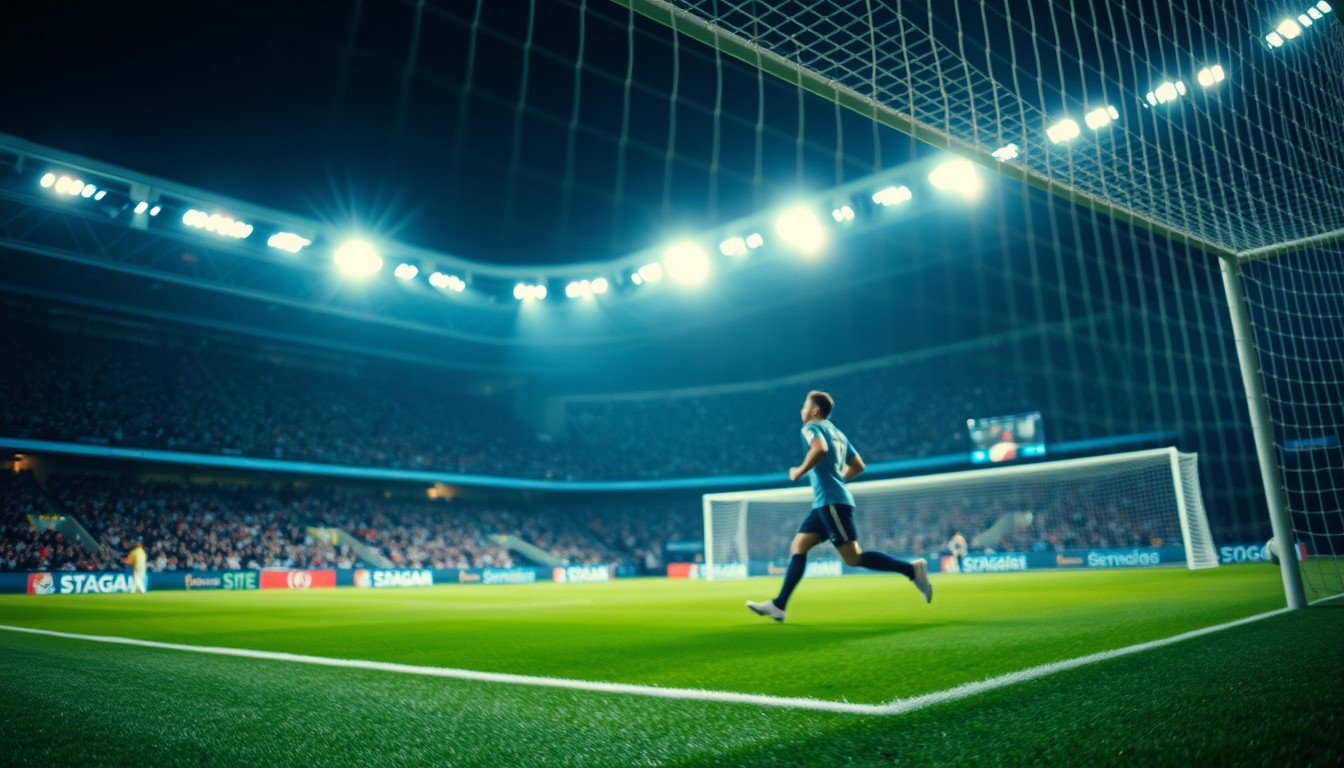
The prompt works best as a sequence of visible beats. For the Ozil-style clip the beats are: the long ball over the top, the goalkeeper rushing out, the chip, the two sliding defenders, and the finish into the empty net. Add one camera instruction — a long lens from the halfway line, or a tracking camera that follows the run.
Two camera instructions fight each other. Four beats plus one camera is enough. If the first render misses a beat, add one concrete detail to that beat rather than rewriting the whole prompt.
Cost, delivery and what you can do with the clip
One standard render — 720p, 12 seconds — costs 10 credits. A 480p render costs 5 credits, and 1080p costs 30. A failed render is refunded automatically; a successful render is charged once and can be downloaded as an MP4 with no watermark.
You own what you generate. Whether a football edit is safe to post depends on the platform rules about real people and clubs, so check those before publishing. The content check refuses prompts or photos that try to put a real person into a situation they did not consent to.
Prompt recipe
A football broadcast highlight. A player receives a long pass over the top, chips the ball over the rushing goalkeeper, rounds two sliding defenders and rolls it into the empty net, under floodlights, cinematic broadcast angle, slow motion.This is the exact English prompt the model receives. Edit it in the studio above; the credit cost depends on resolution and length, not on the prompt.
Questions, answered
Is image to video AI free to try?
Google-linked accounts can claim one 480p · 4-second preview once per account, while the site-wide daily preview budget lasts. After that, a standard 720p · 12-second render costs 10 credits.
Will the video keep my face?
The studio sends an identity clause with every photo render and opens the shot on the subject. A tight, well-lit source photo is the biggest factor; a distant group photo gives the model much less to hold onto.
What photo format should I upload?
JPG, PNG or WebP. Use the largest, sharpest version you have. The upload is used as the first frame and is not kept longer than the render needs it.
How long does a render take?
Most 480p and 720p clips finish in about a minute. 1080p and longer durations take longer. You can close the tab; the task keeps running and appears in your history.
Can I use the MP4 commercially?
You own what you generate and there is no watermark. Platform rules about real people, clubs and AI disclosure still apply, so check them before you publish.