From a still to a shareable clip in one pass
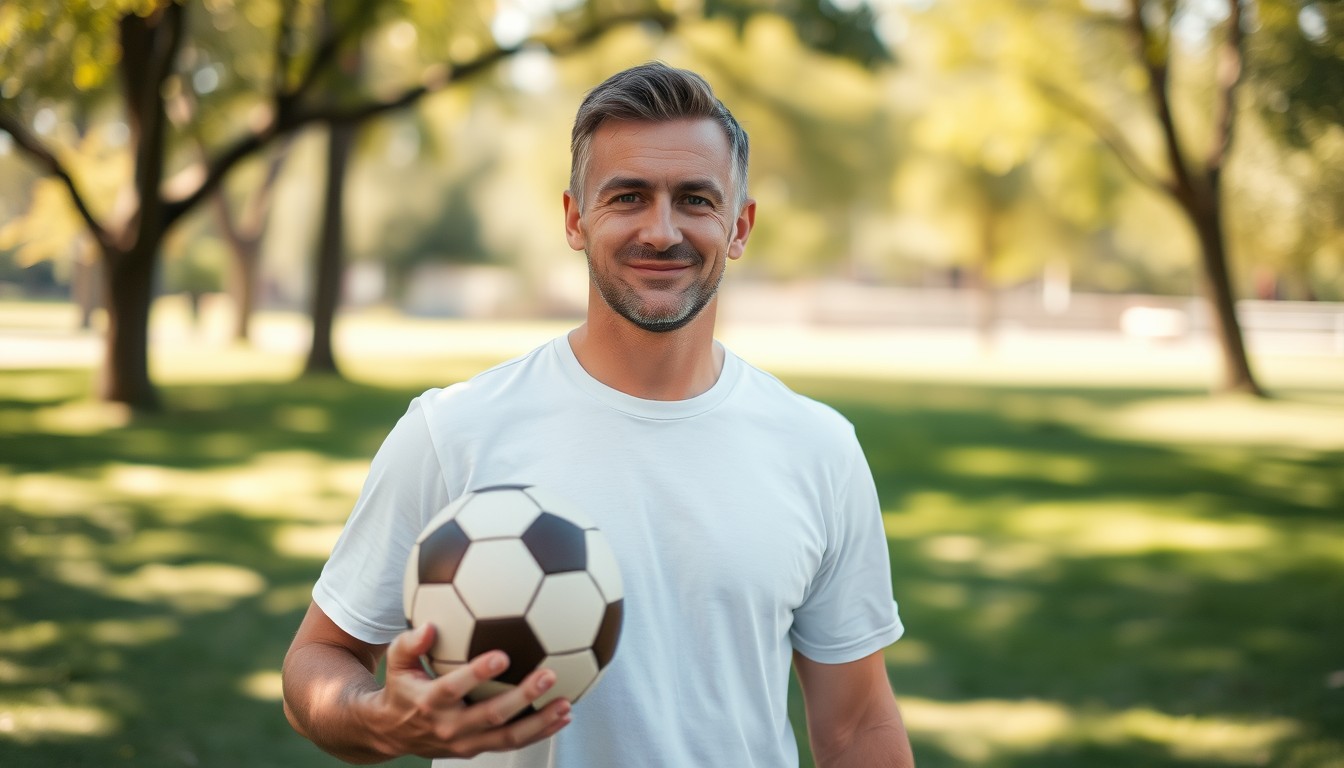
The photo supplies identity and the opening composition. The prompt supplies the action, the camera and the atmosphere. You do not need footage of the person playing football; the model builds the pitch, the crowd and the movement around the face you uploaded.
This is different from a face swap. A swap pastes a face onto existing footage and often leaves a visible seam. A photo-to-video render generates the whole shot, so the lighting, the shirt and the motion can agree with each other.
Pick the moment before you pick the prompt
Most disappointing clips fail at the intent stage: the prompt asks for three things at once, or the chosen moment does not fit the photo. Start with one of the built-in templates, then change one variable at a time.
- The chip and finish — the classic Ozil-style goal sequence.
- Slow-motion celebration — arms out, corner flag, crowd behind.
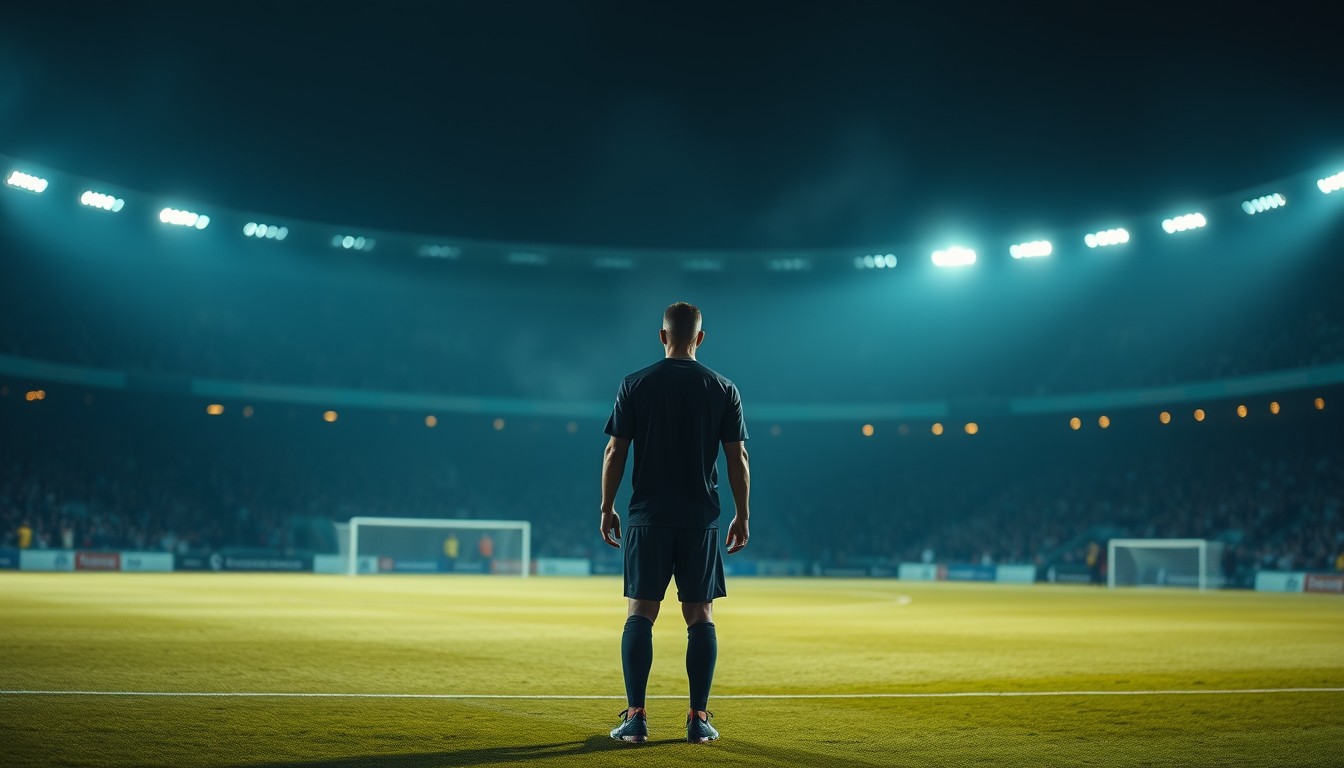
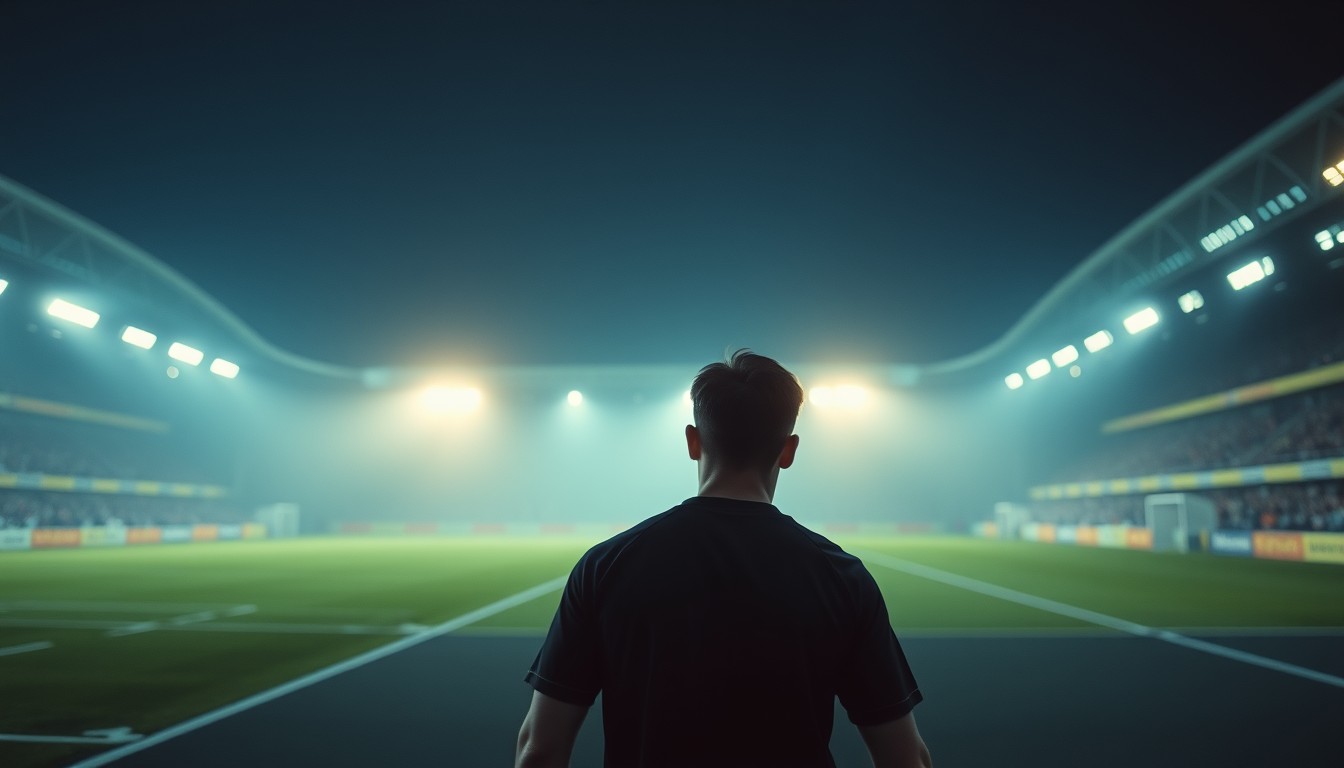
- Night-match atmosphere — tunnel walk, floodlight haze, drums.
- First touch and turn — control, spin, drive forward.
What makes a photo work
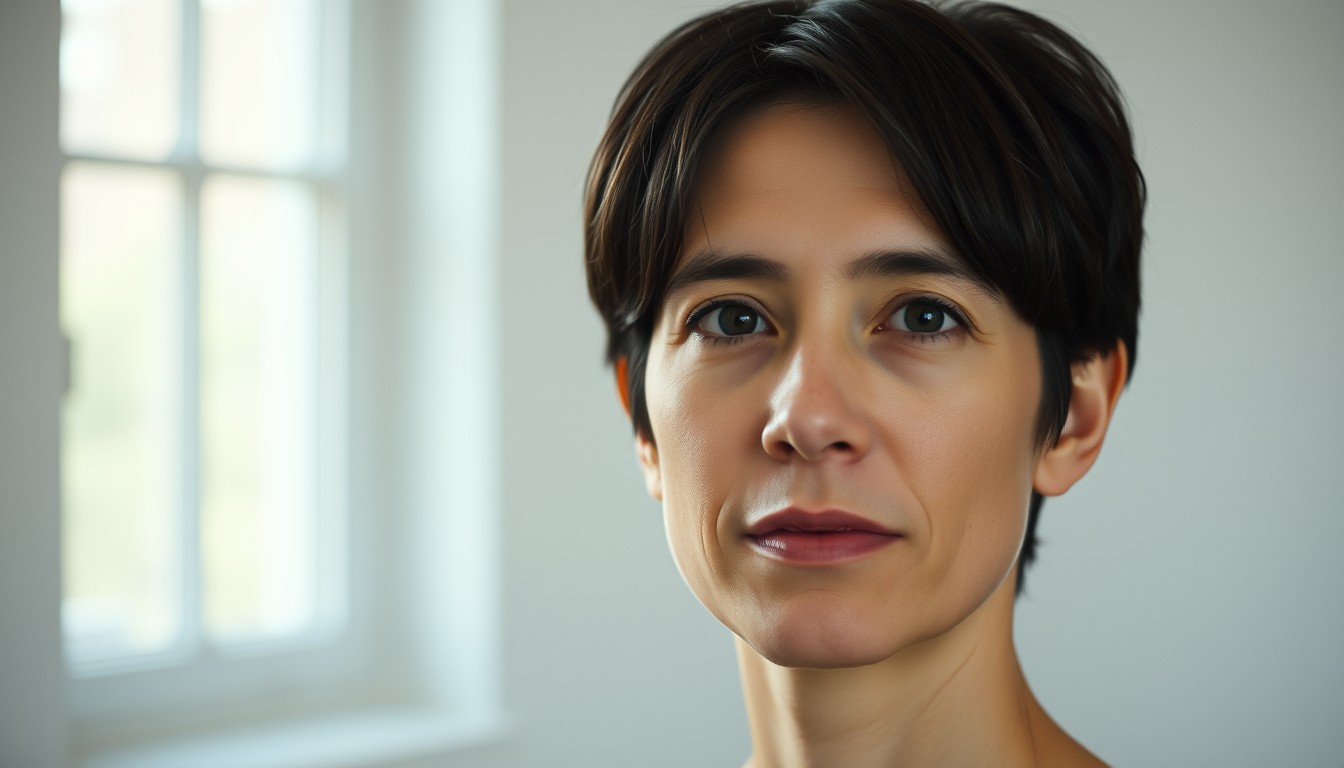
A portrait that reads clearly at a glance will survive the animation. A full-body shot from twenty metres away gives the model very few pixels for the face, and identity drifts as soon as the camera moves.
If you only have a wide photo, crop it before uploading. A head-and-shoulders crop is not a limitation; it is the input the model is designed for.
Price and delivery, without a subscription
A standard 720p · 12-second clip is 10 credits. A 480p clip is 5 credits, and 1080p is 30. Credits can be bought once and never expire, so a single clip does not require a monthly plan. Failed renders are refunded automatically.
The finished file is an MP4 with no watermark. Vertical 9:16 is the default because that is the shape of the feeds these clips are made for; 16:9 and 1:1 are available when the destination needs them.
Prompt recipe
A cinematic football moment from a single photo: the subject runs onto a lofted pass, chips the goalkeeper, and celebrates in front of a floodlit crowd. Keep the same face, hair and clothing. Broadcast camera, slow motion, vertical framing.This is the exact English prompt the model receives. Edit it in the studio above; the credit cost depends on resolution and length, not on the prompt.
Questions, answered
Do I need a video of the person?
No. One still photo is enough. The model generates the motion and the scene; the photo provides the face and the starting composition.
What is the cheapest way to try it?
Claim the free 480p · 4-second preview with a Google-linked account. If you want a longer or sharper clip, the 10-credit standard render is the next step.
Can I make a horizontal video?
Yes. Choose 16:9 in the studio. The default is 9:16 for short-form feeds, but 1:1 and 16:9 are available at the same credit rate.
What happens if the render fails?
The credits are returned to the same grant they came from. You can retry with a different photo or prompt without losing the spend.
Is there a watermark?
No. The MP4 downloads clean. You are responsible for following the platform rules on AI disclosure and on using someone else’s likeness.