Why subtle motion works better than a big scene change
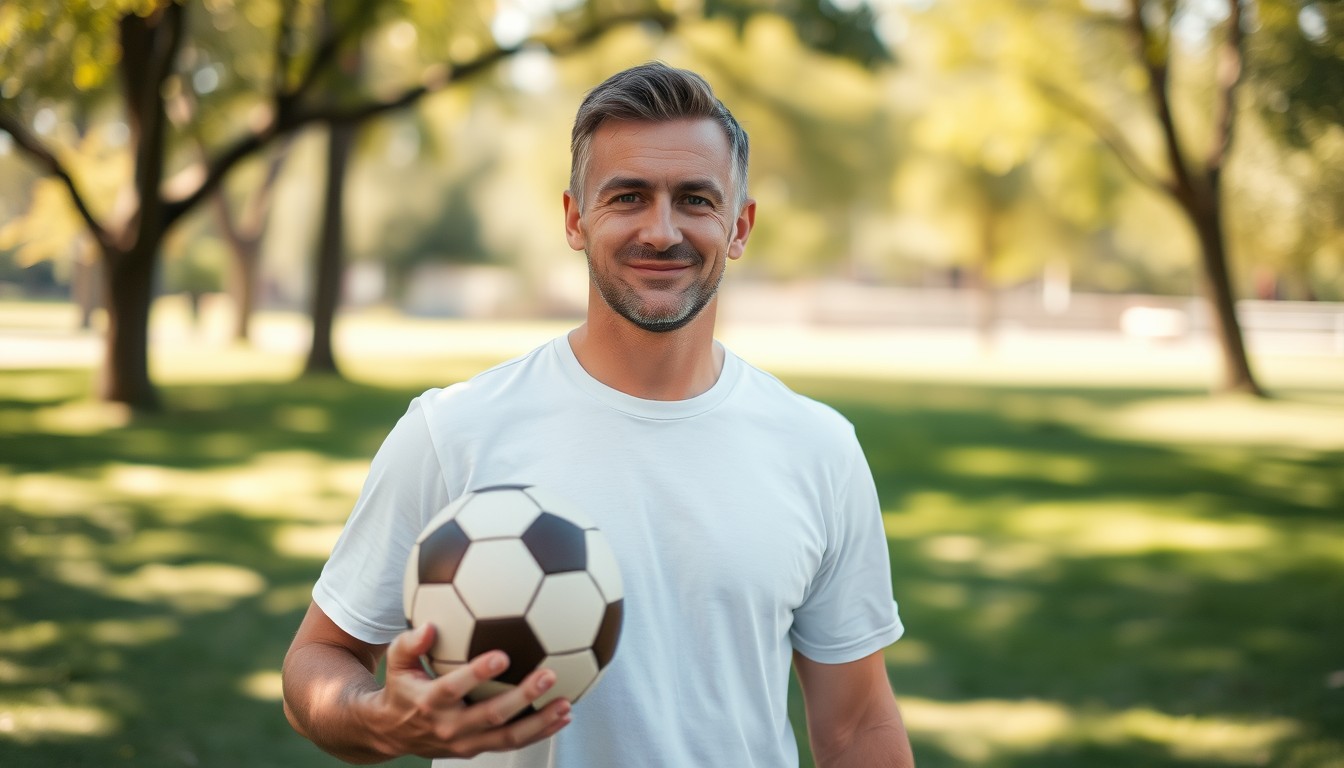
A portrait carries identity in the face, the lighting and the expression. When the model changes the background and the clothing at the same time, it has to rebuild all three, and the person can stop looking like themselves. Subtle animation keeps the frame and spends its effort on the face.
This is the right tool for profile photos, memorial portraits, family pictures and character art. It is also the safest first render if you have never used an image-to-video model before.
The prompt pattern for a natural result
Name the frame, then name one or two small motions, then repeat the identity constraint. The model needs to hear that the background should not change; otherwise it may invent a new location to fill the motion.
- Start with: use the uploaded photo as the exact first frame.
- Add one motion: a slow head turn, a blink, a smile, hair moving.
- Add one atmosphere cue: soft window light, a gentle breeze, dust in the air.
- End with: keep the same face, clothing and background; no scene change, no cut.
Portraits that animate well
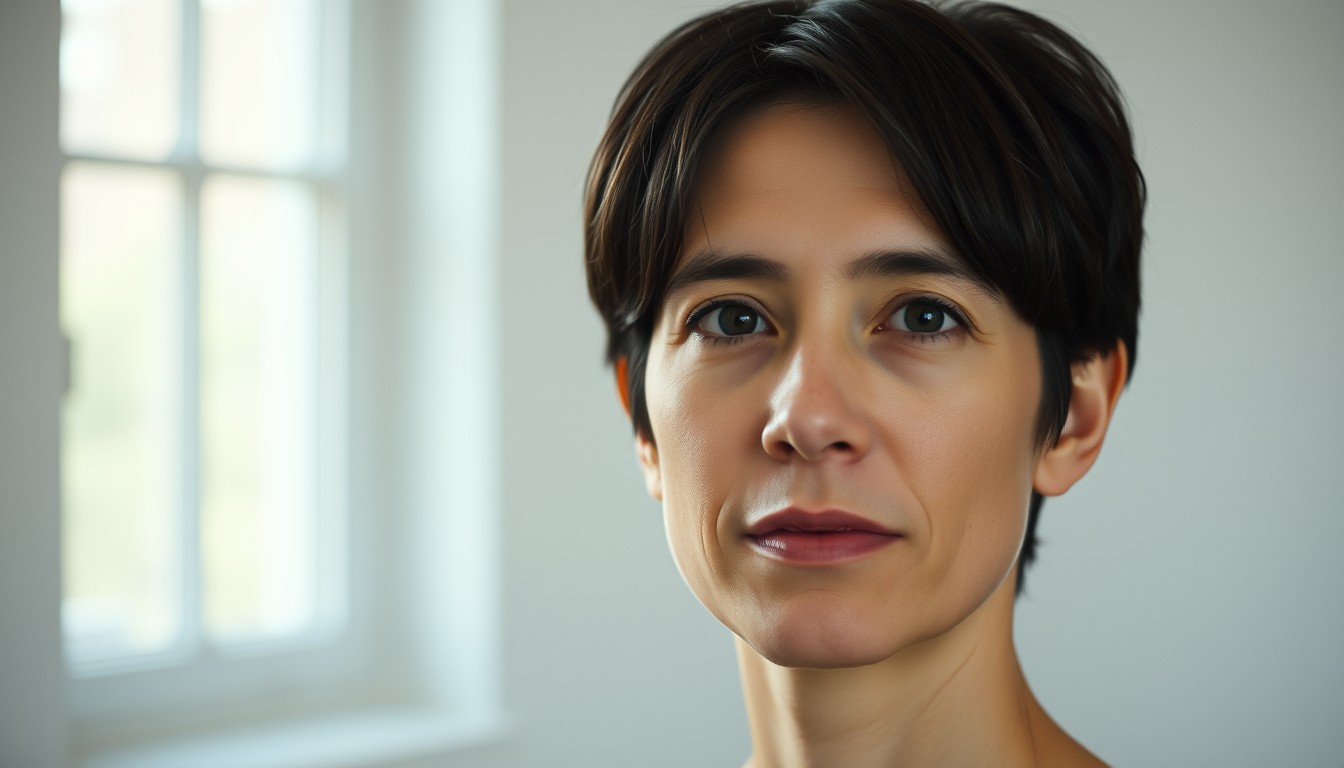
A front-facing portrait with even light is ideal. A profile shot can work, but the model has less information about the far side of the face. A photo with a hand across the jaw or a heavy shadow will produce artifacts exactly where the motion begins.
If the portrait is a painting or an illustration, the same rules apply. The model will preserve the style more reliably when the prompt asks for subtle motion and does not introduce photographic language.
A short clip is the point
Four seconds is often enough for a blink and a head turn. Eight seconds gives the motion room to breathe. Twelve seconds is useful when you want the light to change across the face, but longer is not automatically better: the longer the shot, the more chances the model has to drift.
A 480p · 4-second render costs 5 credits and is the cheapest way to test whether a portrait moves well. A 720p · 12-second render costs 10 credits.
Prompt recipe
Use the uploaded photo as the exact first frame. The subject slowly turns their head toward the camera, blinks once, and a few loose strands of hair drift in a gentle breeze. Keep the same face, clothing and background. Subtle natural motion, no scene change, no camera cut, cinematic soft light.This is the exact English prompt the model receives. Edit it in the studio above; the credit cost depends on resolution and length, not on the prompt.
Questions, answered
What is the difference between animate photo and image to video?
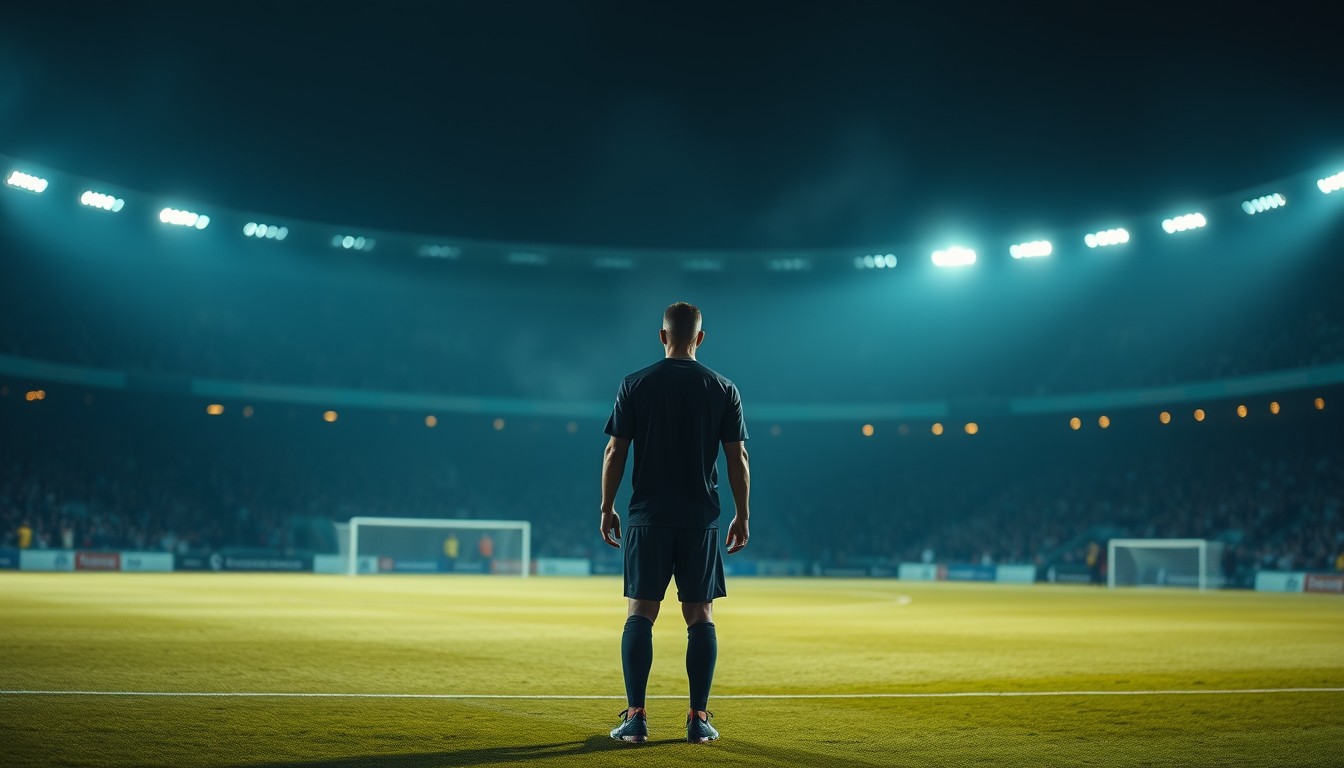
Animate photo keeps the existing scene and adds small portrait motion. Image to video is the broader tool: it can also build a new scene, such as a stadium, around the subject.
Will it change the face?
The prompt explicitly asks for the same face, clothing and background. A sharp, front-facing portrait gives the model the strongest anchor; a wide or blurry photo gives it much less.
Can I animate a drawing or an anime portrait?
Yes. Keep the prompt focused on motion and avoid asking for photorealistic skin or lighting, which can pull the model away from the original style.
How long should the clip be?
Four to eight seconds is usually enough for a blink and a head turn. Use twelve seconds only when the light or the expression needs more time.
Do I need an account to try it?
You can upload and configure the render without an account. A Google-linked account is needed for the free preview and for keeping the result in your history.